Ice Maker Circuit Board: How It Works and How to Identify Failure
Introduction: Introduction to Ice Maker Circuit Board
The circuit board inside the ice maker machine is like its brain. It controls the entire process – from adding water to making ice. If this board stops working for any reason, the entire ice maker can become nonfunctional.
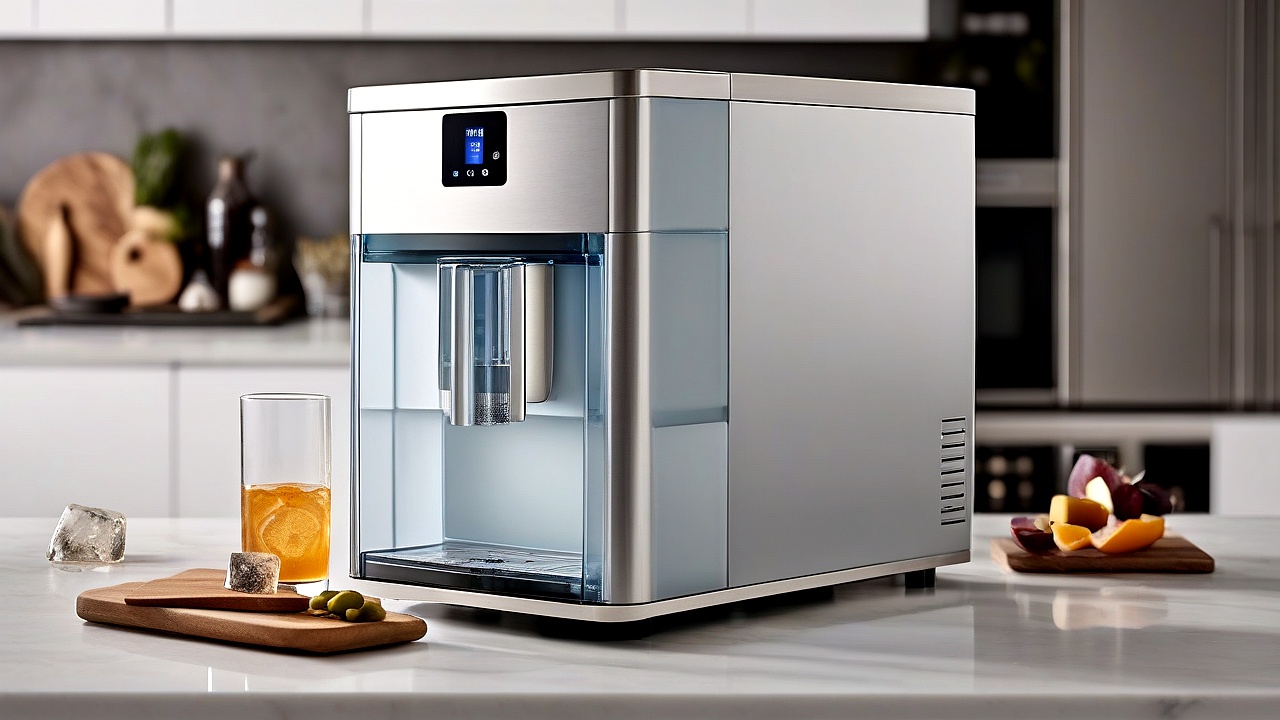
In this article we will learn:
- How Ice Maker Circuit Board Works
- If you see any symptoms, you will know that the board is failing
- How to solve it yourself in case of failure
- When to seek professional help
What are the main components of
?
Main Functions of Ice Maker Circuit Board
A typical ice maker circuit board performs the following functions:
1. Receiving and processing data from sensors
The ice maker collects data through various sensors. For example:
- Water Level Sensor: Measures the amount of water
- Temperature Sensor: Monitors water temperature and fridge temperature
- Ice Level Sensor: monitors the ice level
The data from these sensors is processed by the circuit board to determine the next step. For example: adding water, starting freezing, or removing ice.
2. Motor and valve control
The circuit board commands the various motors and valves:
- Water Inlet Valve: Controls the water supply
- Ice Maker Motor: Freezes water to make ice
- Auger Motor: Helps to break the ice and deliver it to the tray
If these motors or valves are not working properly, the whole process is disrupted.
3. Temperature control
The circuit board controls the temperature of the refrigerator so that the water can freeze properly. If the temperature is too high, ice will not form. If the temperature is too low, additional energy will be consumed.
4. Error detection and protection system
Advanced ice makers have an Error Code system. If a problem occurs, the circuit board displays the specified Error Code. For example:
- E1: indicates a water problem
- E2: indicates a problem with temperature control
- E3: indicates a motor or valve problem
Main components of ice maker circuit board
An ice maker circuit board consists of several important components. Knowing about these makes it easier to diagnose the problem.
1. Microcontroller
This is the main part of the circuit board. It receives information from sensors and controls motors and valves. If the microcontroller stops working, then the whole system will go down.
2. Power Supply Unit
This section controls the power supply. If there is a problem with the power supply unit, the entire system may stop working.
Common problems include:
- Voltage fluctuation
- Loose connection
- Blown fuse
3. Relay
A relay is like a switch that controls the flow of electricity. When the microcontroller gives the command, the relay turns on or off to control the motors and valves.
4. Transistor
A transistor is a switching device that controls the flow of electricity. It controls the motors and valves by amplifying the signals from the sensors.
5. Capacitor
A capacitor is an energy storage device. It stores energy during power supply and releases it when needed. If the capacitor goes bad, the power supply may be disrupted.
Common Symptoms of Ice Maker Circuit Board Failure
If the ice maker circuit board fails, several symptoms may occur. Knowing about these can easily identify the problem.
1. Ice maker is not making any ice
This is the most common problem. If the ice maker is on but not making any ice, possible causes could be:
- Problem in water supply (Bad Water Inlet Valve)
- Temperature control problem (Temperature Sensor bad)
- Circuit Board Fail
- Motor or valve problems
2. Ice maker is making extra ice
If the ice maker makes too much ice and overflows into the tray, possible causes could be:
- Ice Level Sensor Bad
- Circuit board error
- Problems with motor control
3. Unusual noise coming from the ice maker
If the ice maker makes unusual noises, such as rattling or rattling noises, possible causes could be:
- Motor or valve problems
- Circuit board relay or transistor bad
- Lack of lubricant in mechanical parts
4. Ice Maker Showing Error Code
Modern ice makers have error code systems. If a problem occurs, the circuit board displays the specified error code. For example:
- E1: indicates water problem (water inlet valve or sensor problem)
- E2: indicates problem with temperature control (Temperature Sensor or heater bad)
- E3: indicates a motor or valve problem (Motor or Auger problem)
- E4: indicates a memory problem (circuit board memory damaged)
5. Ice maker not starting
If the ice maker does not turn on, possible causes could be:
- Problem in power supply (Bad Power Supply Unit)
- Microcontroller on circuit board damaged
- Problem with the main control panel of the fridge
Steps to Diagnose Ice Maker Circuit Board Failure
If any of the above symptoms occur, the problem can be diagnosed by following the steps below.
Step 1: Checking the Power Supply
First check if the ice maker is getting proper power. For:
- Check if the power cable of the fridge is properly connected
- Check if the ice maker is on from the fridge’s main control panel
- Check for power supply problems (check fuses or circuit breakers)
Step 2: Testing the sensors
The ice maker collects information through different sensors. If any sensor is not working, the entire process can be interrupted. The sensors can be tested by:
- Check the location of the sensors from the fridge manual
- Clean the sensors (clean if dusty)
- Measure the resistance of the sensors using a multimeter
Step 3: Checking Motors and Valves
To check that the motor and valves are working properly:
- Open and clean the Water Inlet Valve
- Check that the motors are turning properly
- If the motors do not turn, there is probably a circuit board problem
Step 4: Testing the Circuit Board
To test the circuit board:
- Unplug the fridge’s power cable
- Look at the circuit board for any burnt smell or damaged parts
- Check if the capacitors are swollen or cracked
- Check that the relays and transistors are working properly
Step 5: Analyzing the Error Code
If the ice maker displays an error code, refer to the refrigerator’s manual to find out what the error code means. Then troubleshoot accordingly.
Common Causes of Ice Maker Circuit Board Failure
There are several common causes of circuit board failure. Knowing about these makes it easier to prevent problems. Especially when the ice maker suddenly stops working or behaves abnormally, it is important to find out the reason behind it. Let’s know the main reasons in detail.
1. Problems with power supply
Circuit board can be damaged due to voltage fluctuation, loose connection, or blown fuse. Many times when the power supply cables become loose or the voltage fluctuates, the circuit board components are overstressed. Also, if the fuse blows for some reason, the entire system can become inoperable.
You can check the following to identify power supply problems:
- Voltage test: Measure the voltage of the power supply using a multimeter. If the voltage is higher or lower than the standard value, it may cause damage to the circuit board.
- Connection Check: Check if the wires connected to the circuit board are well connected. If any cable is loose or damaged, replace it promptly.
- Fuse Check: If the ice maker’s power supply unit has a fuse, check it. If the fuse blows, install a new fuse and see if the problem is solved.
2. Overheating
If the circuit board overheats, its components may be damaged. This can be caused by:
- Lack of adequate ventilation: If there is not good ventilation inside the ice maker, the circuit board may overheat.
- Long run: If the ice maker is overworked for a long time, the circuit board components may overheat.
- Lack of cleanliness: Dust accumulation inside the ice maker can increase the temperature of the circuit board.
You can take the following steps to prevent overheating:
- Improve ventilation: Leave enough space around the ice maker to allow air to circulate.
- Keep it clean: Regularly clean the inside of the ice maker to prevent dust build-up.
- Automatic shutdown mechanism: Some ice makers have an automatic shutdown mechanism to prevent overheating. If your ice maker does not have such a mechanism, turn off the ice maker at regular intervals.
3. Mechanical Damage
If any of the mechanical parts inside the ice maker are damaged, such as motors, valves, or sensors, it can put extra stress on the circuit board. This may damage the circuit board components.
You can check the following to identify mechanical damage:
- Motor Check: Check that the ice maker motor is turning properly. If the motor is not working properly, it can put extra stress on the circuit board.
- Valve Test: Check that the ice maker valve opens and closes properly. If the valve is stuck or damaged, it may cause damage to the circuit board.
- Sensor Test: Check if the ice maker’s sensors are working properly. If the sensors are damaged, it can provide wrong information to the circuit board.
4. Moisture and Humidity
Excess water vapor or moisture inside the ice maker can damage the circuit board. Especially if the ice maker is used for a long time, the ice inside may melt and form water. If this water falls on the circuit board, it may cause a short circuit.
To prevent moisture, you can take the following steps:
- Clean regularly: Clean the inside of the ice maker regularly so that accumulated ice melt water does not damage the circuit board.
- Use a dehumidifier: If your area has high humidity, use a dehumidifier near the ice maker.
- Improve ventilation: Provide adequate ventilation around the ice maker to prevent moisture from accumulating inside.
Ice Maker Circuit Board Failure Prevention and Maintenance Tips
Regular maintenance is very important to extend the life of the ice maker’s circuit board and prevent failure. Following are some useful tips which if followed will keep your ice maker working well for a long time.
1. Regular cleaning and cleaning
Clean the inside of the ice maker regularly. Especially remove ice and water accumulated in the ice maker tray. Also, keep the area around the sensor and valve clean. Use a soft cloth or brush when cleaning to avoid any damage.
Materials used for cleaning:
- Warm water and mild soap
- Soft brush or toothbrush
- Microfiber cloth
2. Keep an eye on the power supply
Always provide stable power supply to the ice maker. Use stabilizer to avoid voltage fluctuation. Also, check power supply cables regularly and replace them promptly if damaged.
Materials used for power supply:
- Stabilizer
- Voltage Regulator
- High quality power supply cable
3. Prevent overheating
Keep enough space around the ice maker to allow air to circulate. Turn off the ice maker at regular intervals and avoid overexertion. Also, clean the inside of the ice maker regularly to prevent dust build-up.
4. Follow the manufacturer’s instructions
Follow the manufacturer’s instructions when using an ice maker. If a problem occurs, seek manufacturer support for quick resolution. Also, consult the manufacturer for regular maintenance.
Conclusion
Learn more about ice maker circuit board failure prevention and solutions. Power supply problems, overheating, mechanical damage, and moisture are the main causes of ice maker circuit board damage. Besides, maintaining regular maintenance and cleaning increases the life of the ice maker and makes it work well for a long time.
If your ice maker suddenly stops working or behaves abnormally, check the reasons above. Seek the help of a skilled technician if necessary. Remember, fixing small problems quickly won’t cause major damage. So take care of the ice maker regularly and maintain its performance.
Hope this article helps you solve your ice maker related problems. If you have any question, you can tell in the comment box. Thanks!

About the Author
Hi I am an Engineer I have passed my diploma in Engineering in 2007. Academically I have studied about home appliances and various motors and machineries. In 2012 I have started my blogging and learned a lot of things about home appliances especially washing appliances, washing and cleaning related products, and eequipments. In 2019 I have started my blog https://appliancesky.com to provide my research and experience with my fan and followers.